How to Clone Your Voice for Videos (Step-by-Step)
· 10 min read
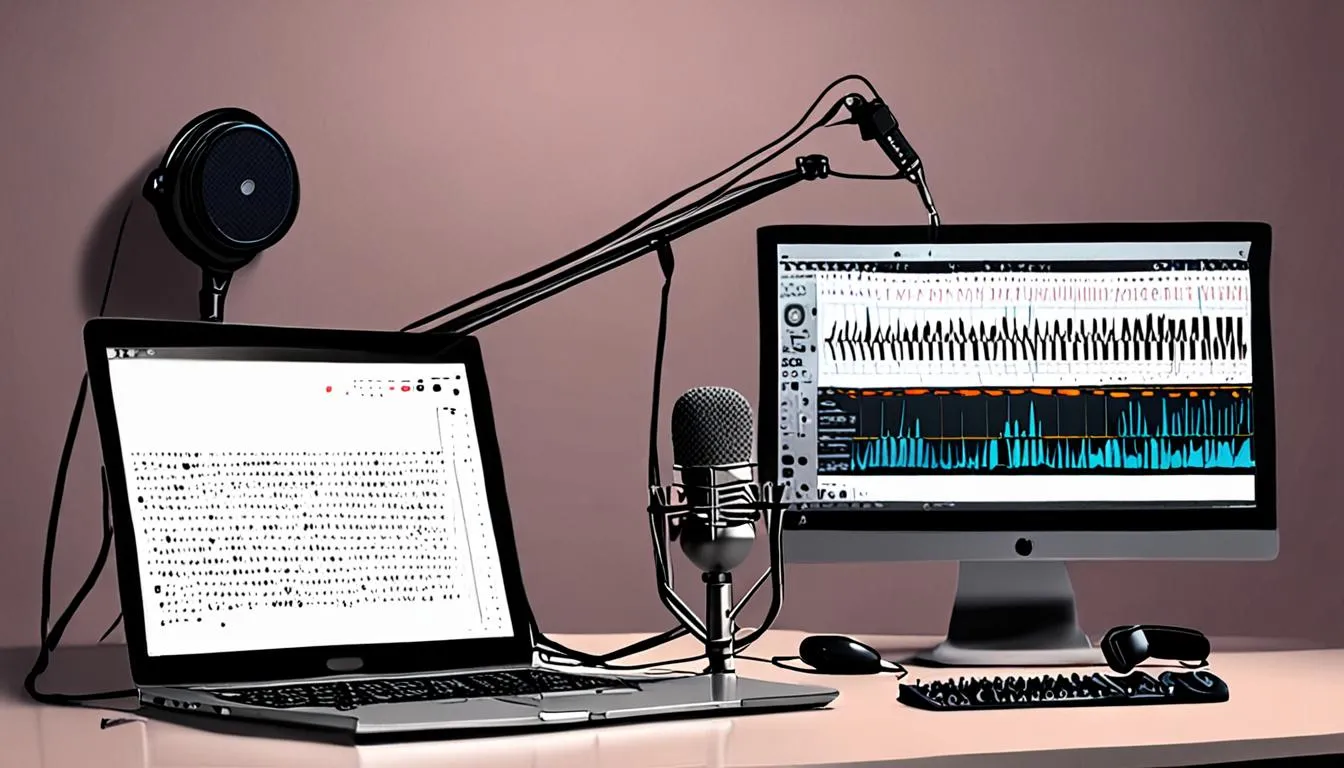
Cloning your voice means recording a sample of yourself speaking once, feeding it into a tool, and then typing scripts that come back read in your own voice, with no need to sit in front of a microphone again. It's become the standard way solo creators scale a faceless channel, because the voice is the one part of a video that's historically been impossible to batch.
This guide covers the actual steps to clone your own voice, compares the three tools creators use most, and answers the question almost nothing else online gets right: whether you have to disclose it. The short version is that YouTube treats cloning your own voice differently from cloning anyone else's, and TikTok's trigger for labeling is narrower than most creators assume.
What Is Voice Cloning? Instant vs Professional Voice Cloning Explained
Voice cloning creates a synthetic version of a voice from a recorded sample, then converts any typed script into audio spoken in that voice. There are two tiers: instant cloning, built from a short sample in seconds, and professional cloning, built from a much larger sample for closer accuracy.
ElevenLabs' documentation explains that Instant Voice Cloning doesn't train a dedicated model at all — it uses the system's existing training data to make "an educated guess" from a short sample, which is why it works near-instantly but sounds a notch less precise. Professional Voice Cloning goes the other way: it fine-tunes a model specifically on your voice, which is what gives it the closer match.
The sample requirements reflect that gap directly. ElevenLabs recommends 1–2 minutes of clean audio for Instant Voice Cloning, and 30–180 minutes for Professional Voice Cloning, with a single speaker and no background noise in either case. For most faceless video work, instant cloning is the starting point — professional cloning is worth the extra recording time once a channel is established and the voice needs to hold up across hundreds of videos.
How to Clone Your Own Voice for Videos (Step-by-Step)
Cloning your own voice for videos comes down to five steps: record a clean sample, upload it to a tool, name the voice, test it with a script, and generate voiceovers from text going forward. The quality of the first recording decides almost everything that follows.
Recording your voice sample
A few things matter more than microphone brand:
- Record in a quiet room with soft furnishings to cut down echo and reverb — ElevenLabs' own recording guide makes this the first recommendation before anything about equipment.
- Keep the sample to one speaker only, with no music or background noise bleeding in.
- Hit the minimum length for the cloning type you're using — 1–2 minutes for instant, 30 minutes minimum (and up to 3 hours for the best possible result) for professional cloning.
- Speak at a natural pace and a consistent volume; reading a script out loud tends to produce a steadier sample than conversational speech.
In our experience, a decent USB condenser microphone in a carpeted room with the door closed beats an expensive mic in a bare, echo-heavy space — the room matters more than the gear.
Cloning in ElevenLabs, Descript and VEED
The workflow is close enough across tools that one walkthrough covers all three:
- Upload your recorded sample (or record directly in-browser, which Descript and VEED both support).
- Name the voice profile so it's easy to find later.
- If you're doing Professional Voice Cloning on ElevenLabs, complete the identity verification step — this is required for every Professional clone, and fine-tuning then takes roughly 3–6 hours, with an email once it's ready.
- Type a test script and generate a short clip to check the match before committing to a full video's worth of narration.
- From there, paste in scripts and generate voiceovers on demand.
One detail that catches people out: ElevenLabs voice clones can't be downloaded as standalone audio files — the clone itself stays inside your ElevenLabs account, though the voiceovers it generates can be exported and used anywhere, and third-party apps can call the voice through an API key.
Best Voice Cloning Tools for Creators, Compared
ElevenLabs, Descript and VEED are the three tools most creators reach for, and they differ mainly in sample length required and how much audio you can generate per pass.
| Tool | Sample needed | Generation limit | Entry point |
|---|---|---|---|
| ElevenLabs | 1–2 min (instant) or 30–180 min (professional) | No fixed per-clip cap | No cloning on the free tier; cloning starts on paid plans |
| Descript | ~90 seconds read aloud | Based on monthly AI credits | Free plan gives a limited trial; custom voice clones unlock on the Hobbyist plan |
| VEED | Clone created in under 5 minutes | Up to 4 minutes of voiceover per generation | Cloning tool built into the editor |
VEED's voice cloning tool is built for speed — it promises a clone in under five minutes and can generate natural voiceovers in 29 languages just from typed text, which suits creators who want to add narration without ever touching a microphone again. Descript's voice cloning sits inside a full editing timeline, so the cloned voice drops straight into a project you're already cutting. ElevenLabs is the deepest option of the three, with the Professional tier aimed at creators who need the closest possible match across a long-running channel.
Do You Need to Disclose an AI Voice Clone on YouTube?
No — YouTube's own policy explicitly lists "cloning one's own voice to create voice overs or dubs" as an example of content creators don't need to disclose. This is one of the clearest exemptions in the policy, and it's specific to your own voice.
The line YouTube actually draws is around realism and identity, not AI use in general. Disclosure is required when AI content alters footage of a real event or place, generates a realistic scene that didn't happen, or makes a real person appear to say or do something they didn't — all of which describe cloning someone else's voice, not your own.
If a video does need disclosure, the mechanism is simple: in YouTube Studio, during upload, open the Attributes section and tap "Yes" under AI use. YouTube notes that disclosing doesn't limit a video's reach or its ability to earn, but the penalty for skipping disclosure when it's required is real — repeat non-disclosure can lead to a manually applied label, content removal, or suspension from the YouTube Partner Program. For the full picture on what else counts as content that needs a disclosure or a compliance check, see our breakdown of the YouTube inauthentic content policy.
Does TikTok Require an AI Label for Cloned Voices?
Only in specific cases — TikTok's rule is triggered when real footage is edited so that "the primary subjects are portrayed saying something they didn't say," which TikTok's support page gives as its direct example of AI-generated speech needing a label. A faceless video narrated entirely in your own cloned voice, reading your own script, generally sits outside that trigger.
Where it does apply is if you're using real footage of an identifiable person (including yourself) and the AI-generated speech makes it look like that footage contains something that wasn't actually said in it. TikTok's broader rule also requires labeling any AI-generated content that contains realistic images, audio or video under its Community Guidelines, so creators working with hyper-realistic cloned narration over real-world footage should label to be safe.
Labeling itself is straightforward: add a caption, hashtag, or on-screen text disclosing AI use, or apply TikTok's built-in "creator labeled as AI-generated" sticker. Content made entirely with TikTok's own AI effects is auto-labeled by the platform and doesn't need a manual tag on top. If you're building a channel around AI narration or AI visuals more broadly, it's worth also reading how this interacts with whether AI-generated videos can be monetized on TikTok.
Can You Clone Someone Else's Voice? What Consent Actually Requires
Only with explicit, verifiable consent — and even then, some tools won't let you. ElevenLabs states plainly that Professional Voice Cloning can only be created of your own voice: "Even with their consent, you cannot clone someone else's voice" on that tier, and every Professional clone requires an identity verification step before it's created.
Descript takes a consent-based approach instead: cloning is permitted with proper consent and within legal boundaries, and the platform requires explicit authorization from the person whose voice is being cloned before building the clone, while also letting that person remove the clone or limit its access later.
The practical takeaway for a solo creator: cloning your own voice is the straightforward, well-supported path across every major tool. Cloning someone else's — a co-host, a guest, a public figure — runs into real restrictions and real consent requirements, and isn't something to attempt informally.
How Much Does Voice Cloning Cost?
Voice cloning isn't available on any major tool's completely free tier — it sits behind a paid plan in every case, though the entry cost differs. ElevenLabs reserves cloning for its paid tiers; its free plan doesn't include it.
Descript is the most transparent about the line between free and paid: the Free plan gives 1 media hour and 100 AI credits a month with only a limited trial of its AI Speech cloning feature, while the Hobbyist plan, priced at $16–24 a month depending on billing cycle, is the first tier to unlock full AI Speech with custom voice clones, plus 10 media hours and 400 AI credits a month.
For creators weighing the full cost of a faceless setup — voice cloning plus everything else a video needs — it's worth comparing against an all-in-one approach to short-form video, since stacking a voice tool, an editor and a captioning app separately adds up faster than a single subscription that includes all three.
Using a Cloned Voice in Faceless YouTube, TikTok and Instagram Videos
A cloned voice solves one piece of a faceless video — the narration — but a finished upload still needs a script, visuals, captions, music, a title and a thumbnail built around it. This is where tools built specifically for faceless content do more of the work in one pass than a standalone voice cloner can.
Clip Viral lets a creator use a Clip Viral voice, or design and clone one of their own, inside the same flow that writes the script, generates the visuals in one of 18 styles, times the captions to the voice, and exports the finished video in the right shape for TikTok, Reels, Shorts or YouTube — at any length from 30 seconds to 10 minutes. The cloned voice stays consistent across every video on the channel without re-recording anything.
For a channel that posts regularly, a Series keeps producing new videos in that same cloned voice on a set schedule, anywhere from every 4 hours to once every 2 days, which matters more for a solo creator than the voice tool itself — consistency is what an audience actually notices. Anyone short on what to narrate in the first place can start from one of our faceless YouTube channel ideas built around repeatable formats.
Common Voice Cloning Mistakes That Hurt Audio Quality
Most bad voice clones trace back to the recording, not the tool. The errors that show up most often:
- Recording in an untreated room. Echo and reverb get baked into the clone and show up in every voiceover generated afterward.
- Mixing multiple speakers or background noise into the sample. Tools can't separate voices after the fact — a clean, single-speaker sample is a hard requirement, not a suggestion.
- Under-recording for the cloning type. A 20-second clip won't give an instant clone enough to work with, and professional cloning below the 30-minute floor tends to sound noticeably less accurate.
- Skipping the test generation. Generating a full video's narration before confirming the clone sounds right wastes a full edit if the match is off.
- Treating the clone as finished after one recording. In our experience, voices drift slightly with mood, time of day and microphone position — a second, slightly longer sample recorded a few days later tends to produce a steadier long-term clone than relying on a single take.
Should You Clone Your Voice for Your Channel?
The creators who end up earning from short-form video over the next few years will be the ones who post often enough for a platform's algorithm to take notice, and a cloned voice removes the one bottleneck — re-recording narration for every single video — that stops most solo creators from doing that. Once the voice is set up, the rest of the video still needs writing, cutting, captioning and uploading, several times a week, indefinitely.
That's the gap Clip Viral is built to close: it writes the script from real researched sources, generates the visuals, times the captions, scores the music, and exports a finished vertical video with a title, description, tags, hashtags and a thumbnail already attached — using a cloned voice if that's what the channel runs on. A Series then repeats the whole process on a schedule, so one person covers what used to take a small production team, while staying on the right side of the disclosure rules covered above.
This is about as cheap as starting a channel that earns has ever been — 300 free credits are available the moment an email address is confirmed, with no card required. Start free with Clip Viral and see how far a cloned voice and a finished video get in a single pass.
Frequently asked questions
Do I need to disclose an AI voice clone on YouTube?
No, not if it's your own voice. YouTube's official policy lists cloning one's own voice to create voiceovers or dubs as an example of content that doesn't need disclosure, as opposed to cloning someone else's voice to make them appear to say something they didn't.
Does TikTok require an AI label for a cloned voice?
Only when the AI-generated speech makes real footage of an identifiable person appear to say something they didn't actually say. A faceless video narrated entirely in your own cloned voice, over your own visuals, generally doesn't fall under that specific trigger, though TikTok still asks creators to label realistic AI-generated audio more broadly.
How long does a voice sample need to be for cloning?
ElevenLabs recommends 1–2 minutes of clean, single-speaker audio for Instant Voice Cloning, and 30 to 180 minutes for Professional Voice Cloning, with 3 hours cited as optimal for the closest possible match. Descript asks for roughly 90 seconds read aloud, and VEED can build a clone in under 5 minutes.
Can I clone someone else's voice with their permission?
It depends on the tool. ElevenLabs explicitly states that even with consent, you cannot create a Professional Voice Clone of someone else's voice — Professional cloning is restricted to your own identity and requires verification. Descript allows cloning other voices only with explicit authorization from that person.
Can I download my cloned voice as an audio file?
On ElevenLabs, no — the voice clone itself stays inside your account and can't be exported as a standalone file, though the voiceovers it generates can be downloaded and used anywhere, and the voice can be accessed through an API key in other apps.
What's the cheapest way to clone my voice for videos?
None of the major tools include cloning on a fully free plan. Descript's Free plan offers a limited trial of its AI Speech feature, with full custom voice cloning unlocking on the Hobbyist plan at $16–24 a month, which is currently the lowest documented entry price among the major tools.
Let the videos make themselves
Clip Viral researches, writes, voices and renders short-form videos on a schedule you set.
Start free