What to Post on TikTok Every Day (No-Burnout System)
· 8 min read
How often do you actually need to post on TikTok?
TikTok's own Creative Ultimate Guide tells creators to post one to four times a day, but almost nobody who runs a business account actually does that. A 2024 RivalIQ report found the average brand posts only about two TikTok videos a week, and Sprout Social's broader posting-frequency data shows the industry average across every platform has actually fallen, from 11 posts a day in 2022 to 9.5 in 2025, as brands choose quality over sheer volume.
So the honest answer is: post as often as you can sustain good work, and tie the number to what each video is for rather than chasing TikTok's 1-4x figure. Sprout Social's own advice is to let cadence follow campaign goals — fuelling a launch, sparking conversation, testing a new creative angle — rather than treating the posting count itself as the goal. If daily is the target you've set, the rest of this article is about hitting it without running out of ideas by Thursday.
The one number worth trusting: TikTok's algorithm rewards reliable, steady habits, not just viral spikes. Consistent posting helps the platform map an account to the right niche subcultures over time, according to Sprout Social's analysis of TikTok for small business. That's an argument for a system you can keep running in month six, not for posting four times today and nothing next week.
Why daily posting ideas run out (and the pillar system that fixes it)
Ideas run out because most creators start from a blank page every single day, asking "what do I post today?" instead of "what's today's slot in my system?" A content pillar system removes the blank page entirely.
A content pillar is a key theme a creator becomes known for. Buffer's research on content pillars finds that most successful creators and brands work from just three to five of them — described as "the trunk of a tree" that every individual video branches off from. Instead of inventing a new concept daily, you're filling a known slot with fresh specifics, which is a much smaller cognitive task.
Pillars also help TikTok understand your account. Buffer points out that networks from X to TikTok categorise content in their own search systems, so posting consistently within defined pillars helps your videos match the right keywords and the right audience over time — it's a discoverability tool, not just an organisational one.
Build your 4-5 TikTok content pillars in 15 minutes
Pick four or five broad themes your account will always return to, based on what you actually know and what your audience searches for. Buffer's framework for building pillars moves through assessing your own interests, researching gaps in your niche and competitors, brainstorming topics, and then narrowing to three to five broad themes before building a bank of specific ideas under each one.
A workable set for most faceless or small-business accounts looks like this:
- Education — a tip, a myth-bust, a how-to in your category
- Behind the process — how the thing gets made, packed, or delivered
- Proof / results — before-and-afters, reviews, customer stories
- Trend or culture — a sound, format, or news hook adapted to your niche
- Direct offer — your product, service, or series, stated plainly
Creator Dre Fox's "Content Tree" method, also covered in Buffer's guide, pushes this further by branching each pillar into several sub-topics, which avoids the repetitive feel that comes from circling back to the exact same five ideas every week.
The weekly rotation template: what to post each day of the week
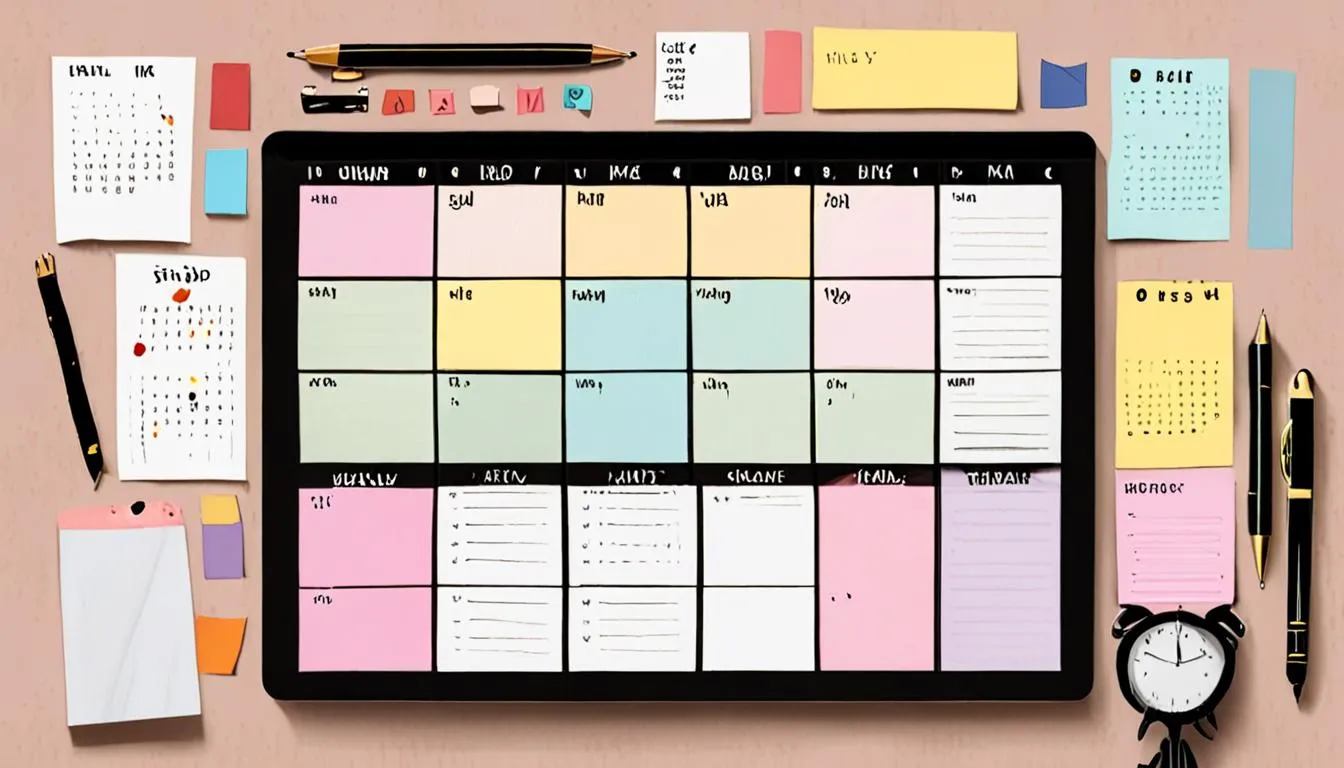
Assign each pillar a day, repeat the pattern every week, and you never start from zero again. A simple seven-day rotation for a daily poster looks like this:
| Day | Pillar | Example slot |
|---|---|---|
| Monday | Education | 3-second problem solver addressing a common question |
| Tuesday | Behind the process | Fast-motion clip of the work getting done |
| Wednesday | Trend / culture | A trending sound or format adapted to your niche |
| Thursday | Proof / results | Customer Q&A response or a review read aloud |
| Friday | Direct offer | Product or series spotlight, stated plainly |
| Saturday | Education | A myth your audience believes, corrected |
| Sunday | Behind the process | Unfiltered workspace or week-in-review |
This is a starting template, not a rule — swap days and pillars to match your actual content bank. The point is that "what do I post today" becomes "what's today's pillar," which is a much faster question to answer than starting cold.

7 faceless, no-filming formats you can plug into any pillar
Every slot in the rotation above can be filled without a single minute of you on camera. These seven formats, drawn from Sprout Social, MeetEdgar and Hootsuite's own creator research, work for almost any pillar:
- The 3-Second Problem Solver — a text-led video that names and solves a pain point before the viewer can scroll past, per Sprout Social's small-business TikTok formats.
- Pack an order / process footage — filming the ordinary mechanics of the work, which Sprout Social notes builds transparency and an almost ASMR-like watching experience.
- Fast-motion process clips — speeding up footage of packing, building or painting set to music, which Hootsuite describes as hypnotic even with zero on-camera talking.
- Customer Q&A Response — turning a real FAQ into a video reply using TikTok's native comment-reply feature, a format Sprout Social flags as a trust-builder.
- The 7 Second Method — a very short video carrying one piece of high-value text advice, a format credited to strategist @JacksonsTips and covered by MeetEdgar, where the brevity encourages rewatches.
- Green screen updates — delivering a standard announcement or sale over an engaging background image instead of filming new footage, a low-effort swap Hootsuite recommends.
- Cross-platform recycling — reposting a post that performed well elsewhere, which MeetEdgar argues isn't cutting corners, since most TikTok viewers never saw the original.
This is also where a tool built for faceless formats earns its keep. Clip Viral turns a topic straight into a finished vertical video — script, voiceover, captions, visuals and music — across 18 visual styles, so a "3-Second Problem Solver" or an educational pillar slot doesn't require filming anything at all.
How to batch a week of TikToks in one sitting
Batching means producing a week of content in one dedicated block instead of filming daily. Sprout Social recommends setting aside a single window — its example is three hours on a Thursday afternoon — to outline, shoot and edit an entire week's worth of videos at once, then loading the finished files into a centralised content calendar.
A practical batching session for a faceless or small-team account:
- Pull up your weekly rotation template and list the seven slots you need to fill.
- Write or generate a short script for each slot, matched to its pillar.
- Produce all seven videos in the same sitting rather than switching tasks between writing and filming each day.
- Draft the title, description, tags and hashtags for each one while the context is fresh.
- Load everything into your calendar or scheduler and queue the week.
This is exactly the gap Clip Viral is built to close for solo operators: pick a niche from 30 ready-made options, or describe your own in plain words, choose a length anywhere from 30 seconds up to 10 minutes, and a finished video comes out the other end — complete with a thumbnail, title, description, tags and hashtags already written. A batching session that used to mean a camera, a tripod and an edit suite can mean picking seven topics and a visual style instead.
Repurposing: turning one piece of content into 5 daily posts
One well-researched idea can carry several days of posts if you change the format each time, not the topic. Take a single pillar topic — say, a common customer question — and produce it as a 3-Second Problem Solver, a green-screen announcement, a fast-motion process clip, a Q&A video reply, and a cross-platform repost of whichever version performed best elsewhere.
MeetEdgar also recommends researching the actual questions your audience is typing into search before you write anything, using free tools like Answer the Public or QuestionDB to surface real phrasing rather than guessing at topics. A single FAQ list researched this way can supply a month of Thursday "proof and results" slots without repeating itself.
The same topic can also be reworked across visual styles rather than reshot from scratch. Running one pillar idea through a couple of different looks — a more literal, explainer-style treatment one week and a livelier animated take the next — gives the rotation variety without doubling the research time.
Automating your TikTok calendar so you never run dry
The way to never run dry again is to stop producing one video at a time and start producing a schedule. This is where the pillar system, the batching habit and automation meet.
A Series inside Clip Viral keeps making new videos on a schedule chosen once — anywhere from every four hours to every two days — without anyone touching it again. Set a Series against one of your weekly pillars, pick a visual style and a niche, and it keeps filling that slot on its own, in any of 15 spoken languages if the account serves more than one market, with every video read by a native-sounding voice rather than a translated one.
For the days when even a topic feels like too much to think of, Clip Viral's idea-to-video flow turns a rough thought into a handful of different angles to choose from, each with an opening line written to stop the scroll, so a blank Monday becomes a short decision instead of a brainstorm. There's also a content plan feature that lays out a batch of video ideas with the opening line for each one, alongside a posting calendar — effectively the weekly rotation template above, pre-filled.
How can you actually sustain daily TikTok posting?
Accounts that keep posting in month twelve tend to build a stronger habit signal than ones that manage four a day for two weeks and then stop — Sprout Social's TikTok data backs the underlying trend, noting 69% of US marketers are increasing their TikTok investment in 2026, more than any other platform, which points toward steady, reliable posting rather than occasional viral swings.
A pillar system and a batching session solve the planning problem. What they don't solve on their own is the hours of filming, scripting and editing that daily output still demands from one person with no studio, no camera crew and no editor. That's the gap Clip Viral is built for: it writes a researched script, generates the voiceover, times the captions, builds the visuals and adds music, then hands back an MP4 ready to upload, with the title, description, tags, hashtags and a thumbnail already attached. Point a Series at one of the weekly slots above and it keeps producing on schedule without anyone opening an editing app again.
We'd recommend treating this as one of the lowest-barrier moments to try running a daily channel properly: 300 free credits land the moment an email address is confirmed, no card required, which is enough to build out a full week of the rotation above and see whether the system holds before spending anything. The reader who sticks with publishing, consistently, with no camera required, is the one actually giving the system above a chance to work. Start free with Clip Viral and fill tomorrow's slot before today's is even finished.
Frequently asked questions
How many times a day should I post on TikTok?
TikTok's own guidance suggests one to four times a day, but most brands post far less and still grow — RivalIQ found the average brand posts about two TikTok videos a week. Pick a cadence tied to what each video is meant to achieve, and only scale toward daily once a content-pillar system and a batching routine can support it without burning you out.
What are TikTok content pillars and how many should I have?
A content pillar is a key theme or topic a creator becomes known for, and it acts as the foundation every individual video branches off from. Buffer's research finds most successful creators and brands work from three to five pillars — enough variety to avoid repetition, but few enough to stay recognisable and easy to plan against each week.
How do I batch a week of TikTok content in one sitting?
Set aside a single block of time, outline and produce a full week's slots against your pillar rotation in that one session, then load the finished videos into a content calendar, as Sprout Social recommends for lean teams. Writing scripts, generating visuals and drafting titles and hashtags in the same sitting avoids the daily context-switching that causes burnout.
Can I post on TikTok every day without filming myself?
Yes. Formats like the 3-Second Problem Solver, fast-motion process clips, green-screen updates and Q&A video replies all work without a creator appearing on camera talking, and tools built for faceless video can generate the script, voice, captions and visuals from a topic alone.
Does TikTok's algorithm actually reward posting every day?
TikTok's recommendation system tends to favour accounts with steady, reliable posting habits because consistency helps it map an account's content to the right niche audiences over time, rather than rewarding occasional viral spikes alone. Daily posting is one way to build that reliability, but a sustainable weekly rhythm can achieve the same signal if it is genuinely consistent.
How do I turn one piece of content into several days of TikTok posts?
Take a single topic and produce it in multiple formats — a problem-solver clip, a green-screen update, a process clip, and a customer-reply video — instead of treating each day as a new idea. Reworking the same pillar topic in a different visual style is another way to get variety out of research you've already done.
Let the videos make themselves
Clip Viral researches, writes, voices and renders short-form videos on a schedule you set.
Start freeSources
- TikTok for small business: How to scale your strategy and drive ROI
- 26 free TikTok ideas for when your imagination is tapped
- 15 TikTok Content Ideas to Help You Grow Your Small Business in 2026 | MeetEdgar
- How often to post on social media
- How To Create Content Pillars For Social Media (+ A Free Template)